How to check what AI tells travelers about your destination
A practical way to see what ChatGPT, Gemini, Claude, Perplexity and Google's AI Overviews say about your destination, and why one look is not enough.
Travelers now ask AI assistants the questions they used to type into a search box. Where should we eat? Is it worth a weekend? What should we do with the kids? The answer comes back as a few confident paragraphs, and the traveler often never clicks a link.
So it is worth knowing what those paragraphs say about your destination. Here is how to check it yourself, and where a one-off check falls short.
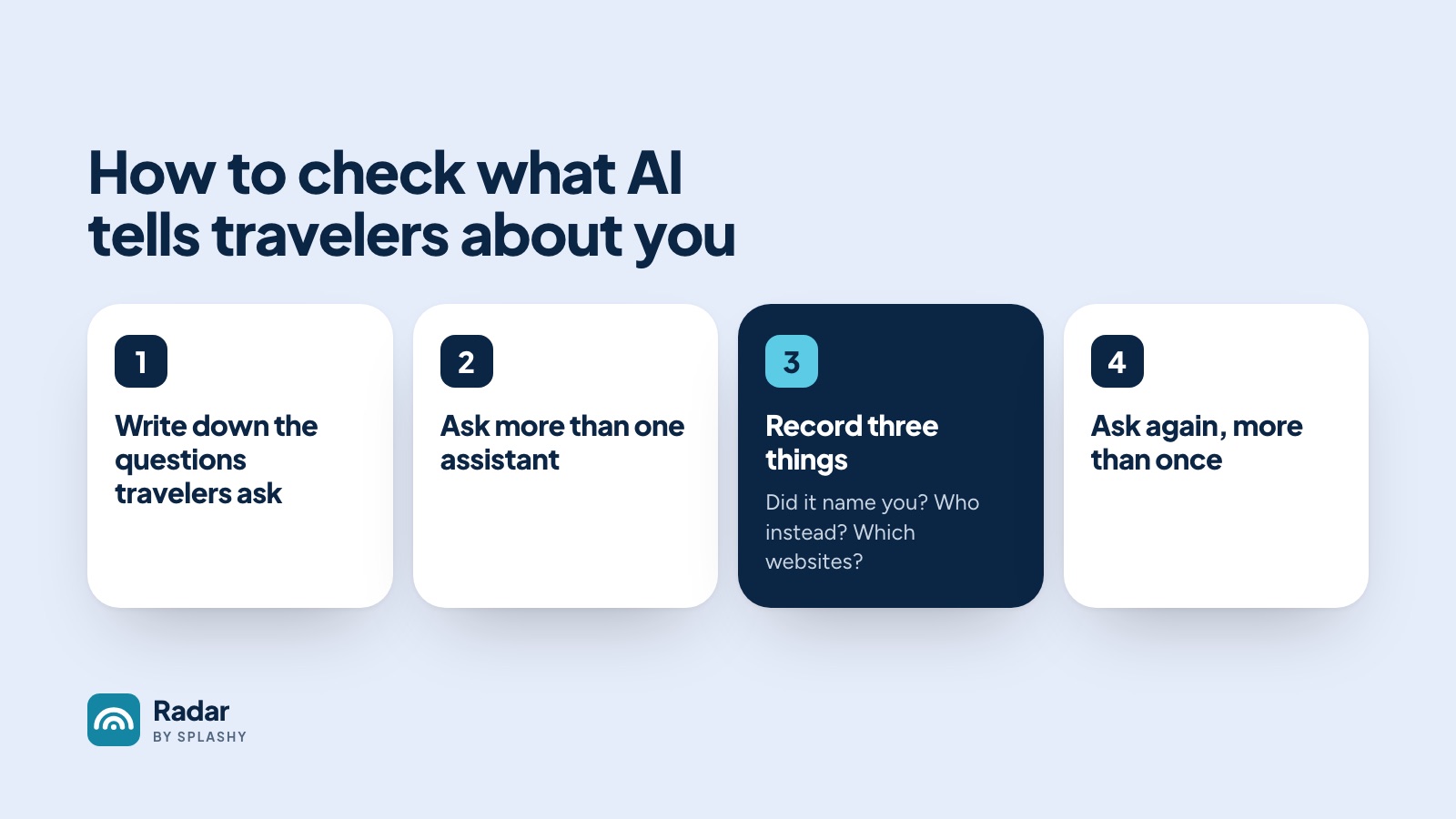
1. Write down the questions travelers really ask
Start with twenty questions. Use your own search console, your visitor center's most common questions and your social comments. Write them the way a traveler would type them, not the way your marketing team would.
Split them into two kinds:
- Questions that name you. "Is Port Juniper worth visiting?" "Where should I eat seafood in Port Juniper?" These come from people who already know you.
- Questions that don't. "What are the best seafood towns on the Southeast coast?" "Where should we go for a beach weekend with kids?" These come from people who haven't decided yet, and they are where new visitors come from.
2. Ask more than one assistant
Ask each question of ChatGPT, Gemini, Claude and Perplexity, and search it on Google to see the AI Overview. They don't agree with each other, and they read different websites.
Ask in a fresh chat each time, signed out where you can, so earlier conversations don't shape the answer.
3. Record three things for every answer
For each answer, note:
- Did it name you? For the questions that don't mention you, this is the whole game.
- Who did it name instead? These are the places AI is sending your travelers.
- Which websites did it use? Most assistants show their sources. Is your own site among them, or is the answer built from a review site, a magazine list or a forum thread?
4. Ask again, more than once
Ask the same question twice and you can get two different answers. One answer is a snapshot, not a measure. To know where you stand, you need the same question asked several times, by several assistants, with the answers counted.
That is also why a one-off check is hard to act on. If you change a page on your site this month, you want to know whether the answers changed next month. That means asking the same questions the same way, every week, and keeping the record.
What to do with what you find
- If AI names your rivals and not you, look at the sites it cites for those answers. Those are the pages worth pitching, partnering with or earning a place on.
- If AI names you but cites other people's sites, look at your own pages on that topic. Is the answer there, in plain words, on a page that is easy to find?
- If an answer is wrong, note which source it came from. That is usually where the fix starts.
Doing it every week
Radar by SPLASHY does this for you. Every week it asks five AI assistants the same 100 questions about your destination, 13 times each, and shows you how often you were named, which places were named instead and which sites the answers came from.
You can run a free sample sweep to see what it finds for your destination: ten questions, five assistants, in a few minutes.