Google's new AI report in Search Console: what it shows tourism boards, and what it doesn't
Search Console now counts how often your site appears in Google's AI Overviews and AI Mode. Here is how to read it, and the questions it leaves open.
In 2026 Google added a report to Search Console for its AI features. For the first time, a tourism board can see how often its website appeared in Google's AI Overviews and AI Mode. It is worth turning on and worth checking. It also leaves some big questions unanswered.
What the report shows
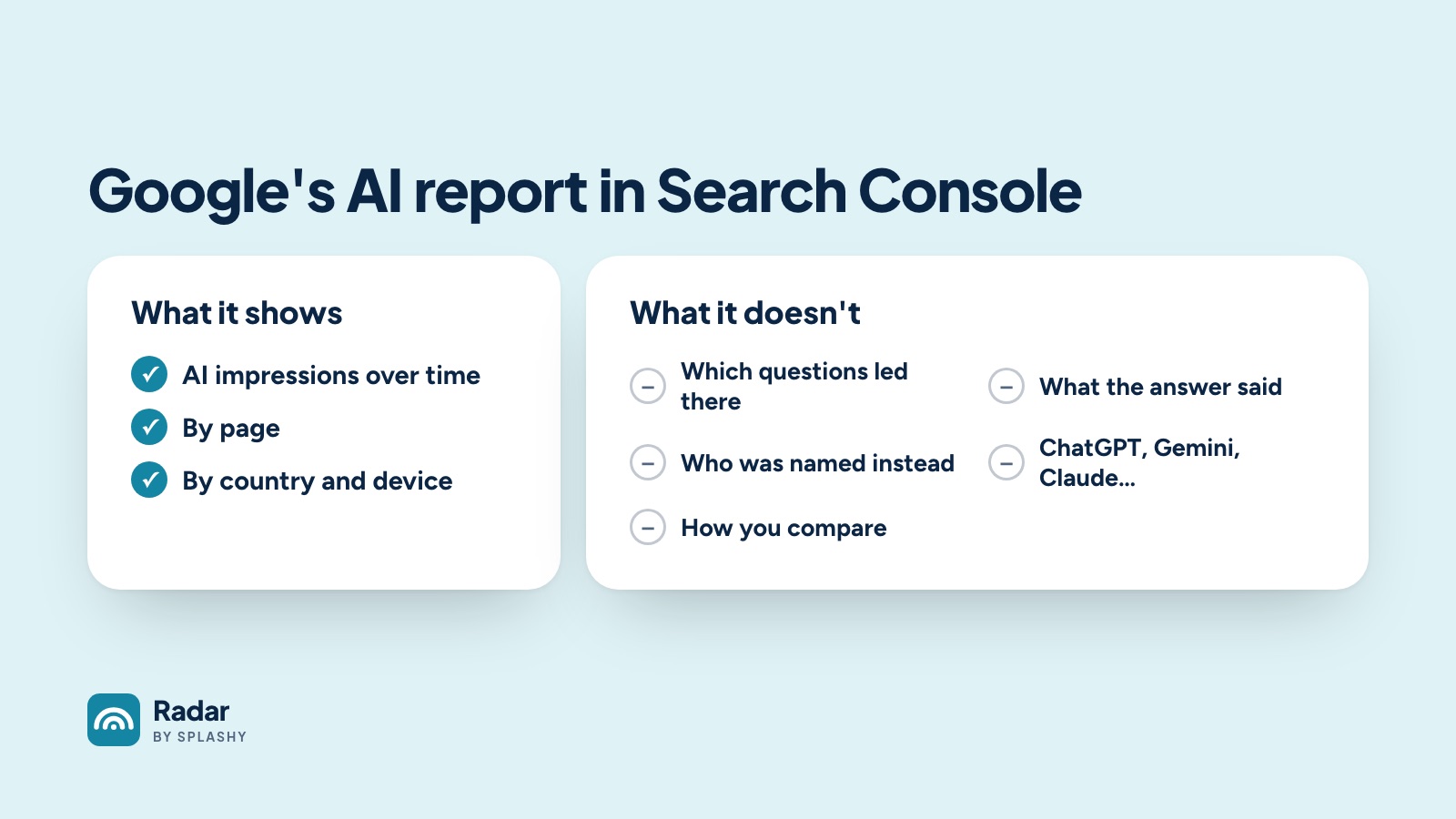
The report counts impressions: how often a page from your site appeared in one of Google's AI answers. You can see those impressions over time, split by page, country and device.
That is useful in two ways:
- It shows a trend. If your AI impressions are climbing while your clicks from search fall, people are still meeting your content, just inside the answer instead of on your site.
- It shows which pages AI uses. The pages that appear most are the ones Google's AI is drawing on. Keep them accurate and current.
What it doesn't show
The report is a count of appearances. It does not tell you:
- Which questions led there. You see that a page appeared, not what the traveler asked.
- What the answer said. Appearing as a source is not the same as being recommended. Your page can be cited under an answer that recommends somewhere else.
- Who was named instead. For a question like "best beach towns for families", the report can't tell you which towns made the list when yours didn't.
- Anything outside Google. Travelers also ask ChatGPT, Gemini, Claude and Perplexity, and those assistants often read different websites.
- How you compare. There is no benchmark. You can't tell whether your number is high or low for a destination your size.
How to use it well
- Track it monthly beside your clicks from search, so you can see whether visits are moving into AI answers.
- Look at the top pages it lists and check that they answer common questions plainly.
- Treat it as one signal. A big impression count tells you that you appeared. It doesn't tell you whether you were the answer.
Filling the gaps
Radar by SPLASHY covers what the report leaves out. Every week it asks five AI assistants, Google AI Overviews among them, the same 100 travel questions about your destination and keeps every answer. You see the question, the full answer, whether you were named, who was named instead and which websites the answer came from, beside the typical US destination.
Search Console tells you how often you appeared. Radar shows what AI said, on which questions, and who it named instead. You can run a free sample sweep to see the difference for your destination.